
Mobile App: Play Slots & Tables On the Go
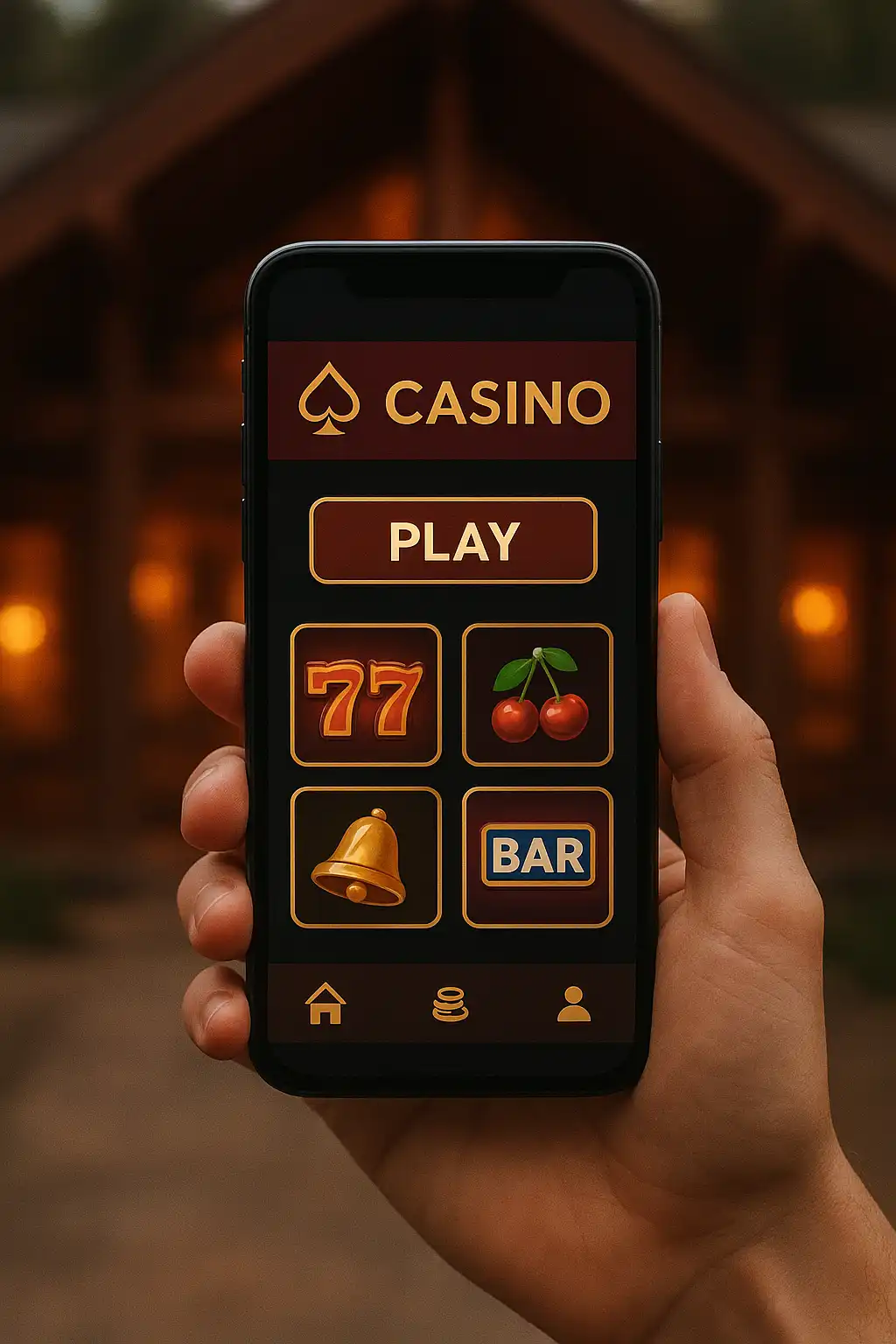
Atefia built its mobile experience around the same idea as the desktop site: keep the cedar retreat feel intact while making sure nothing about the game floor gets clipped or dumbed down for a smaller screen. Whether a player installs the dedicated app or just opens the site in a mobile browser, the full catalogue and cashier are available with no watered-down “mobile lite” version hiding features behind a paywall.
Getting the App
The Atefia app is distributed directly from the casino’s account dashboard as an Android APK, since major app stores generally restrict real-money gambling apps. Installing it takes a few extra steps compared to a normal Play Store download:
- Log into an Atefia account from a mobile browser
- Navigate to the “Mobile App” section of the account dashboard
- Download the APK file directly to the device
- Allow installation from unknown sources in the Android settings when prompted
- Open the installed app and log in with the existing account credentials
iOS users do not get a dedicated app due to Apple’s restrictions on real-money gambling apps, but the mobile browser site is built to feel just as native on an iPhone, with the same layout, load speed and touch response as the Android app.
What the App Offers
The app mirrors the full desktop lobby, meaning every slot, live table and jackpot game available on a computer is also playable from a phone. Push notifications can be enabled for bonus alerts, deposit confirmations and VIP tier updates, which is one advantage the app has over the browser site since notifications there depend on the phone’s browser settings.
Load times on the app tend to be slightly faster than the browser equivalent since game assets are cached locally after the first launch. Battery use is reasonable for a real-money gaming app, though extended live dealer sessions will drain a phone faster than slot play due to the constant video stream.
Mobile Browser Alternative
Players who prefer not to install anything, or who are on iOS, get the same experience through the responsive mobile site. It runs in Safari, Chrome or any modern mobile browser without requiring a download, and syncs instantly with an existing account. The layout adapts cleanly to different screen sizes, from a compact phone screen to a larger tablet display, with touch-friendly buttons sized for real thumbs rather than a mouse cursor.
| Feature | Android App | Mobile Browser |
|---|---|---|
| Installation required | Yes (APK) | No |
| Full game catalogue | Yes | Yes |
| Push notifications | Yes | Browser-dependent |
| Works on iOS | No | Yes |
| Auto-updates | Manual re-download | Always current |
Device Compatibility
The app supports Android 8.0 and above, and runs smoothly on mid-range phones without requiring flagship hardware. The mobile browser site works across essentially any modern smartphone or tablet released in the last several years, including iPhones running a recent iOS version.
Security on Mobile
Both the app and the mobile browser site use the same SSL encryption as the desktop platform, and biometric login (fingerprint or face unlock) can be enabled on supported Android devices for faster, more secure access without retyping a password every session.
Final Take
Players chasing convenience without sacrificing game selection will find the Atefia mobile app, or its browser equivalent, does the job well. The install process for Android takes a couple of extra taps compared to a standard app store download, but the payoff is a full-featured casino that fits in a pocket, cedar theme and all.